How much does business process automation cost in Ukraine and what drives the price
Business process automation is no longer a "corporate luxury": today it's a practical tool that removes routine work and gives teams back hours of productive time. Below we break down the cost of business process automation in Ukraine, the engagement formats available on the market, and how to avoid overpaying a vendor.
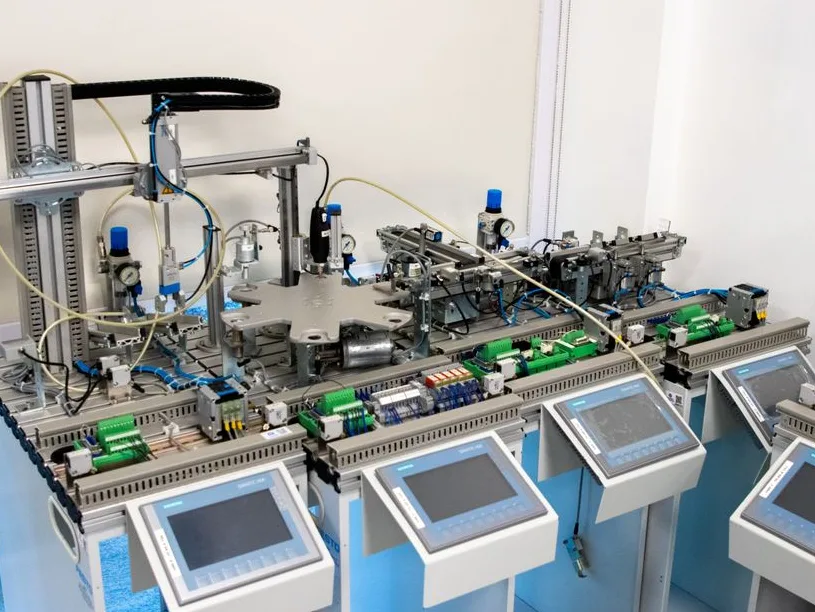
What business problem automation solves
Most often, companies come in with a request that can be summed up in one sentence: "we're still doing this by hand." It might be moving a request from a chat into a CRM, manually issuing invoices, a weekly report that a manager assembles from three spreadsheets, or lead sorting that eats up half the sales team's workday. All of these are typical scenarios where business process automation delivers a fast, measurable impact.
The clearest sign that a business needs automation is not "being modern for the sake of it," but a specific pain point: requests get lost between systems, managers duplicate data by hand, and the executive sees the report only when it's already outdated. Once those pain points are identified, it's time to talk budget and timelines.
How the process works and pricing
The automation market today is dominated by two approaches. The first is "boxed" SaaS solutions with a monthly subscription, where you pay per user, per operation limit, and essentially rent someone else's logic. The second is building scenarios on self-hosted platforms like n8n: the client receives a ready scenario that they can open, edit, and evolve without being locked to a vendor. The second approach is exactly what we practice at InfoCombiner — it removes the "black box" risk and gives the business control over its own processes.
Depending on the scope of the task, there are three working formats.
- Connection — $300–$500, 2–4 working days. A single integration between two systems: for example, a CRM with a messenger, a website form with Google Sheets, or an email alert with a task in a task tracker. This is the optimal starting point for a business with one painful manual operation that needs to be resolved quickly.
- Process — $600–$1,200, 5–10 working days. Automation of an entire business process involving 3–6 systems. This is the choice for companies where requests and data get lost between the CRM, email, spreadsheets, and accounting, and the owner wants a single pipeline from customer inquiry to deal closure.
- Operations — $1,500–$2,500, 10–15 working days. Comprehensive automation of a sales or operations department with AI elements. Suitable for teams of 3 or more, where there is a flow of leads, qualification, task assignment, quality control — and all of this needs to be brought together into one working system.
In response to the question "how much does business process automation cost," the honest answer is: it depends on the number of integrations and the depth of the process. But the entry point for a working project is a single connection for $300, while a comprehensive departmental solution starts at $1,500.
What to look for when choosing a vendor
Automation is an investment, and the same rules apply here as when hiring a developer. First and foremost — transparency of the solution. If a vendor hands you only a "connected service" and doesn't give you access to the actual scenarios, a year from now you'll find yourself dependent on a single company. Always ask whether you can open, read, and edit the scenario yourself.
Second — locking down requirements at the start. If no one is asking you clarifying questions about data sources, team roles, field formats, and exceptions, that's a red flag. Quality automation begins with a process audit, not with hooking up integrations "by eye."
Third — support and development after launch. Business processes don't stand still: new tools appear, rules change, volumes grow. Agree in advance on the format in which the vendor is willing to help evolve the scenarios further — through one-off tasks or ongoing maintenance.
Summary
If you see your team spending hours on routine operations across the CRM, email, spreadsheets, and messenger, that's already a ready scenario for automation. Instead of hiring another manager, it makes sense to invest once in a scenario that will run without breaks or errors. Start with a single connection, measure the effect, and then scale to entire processes and departments.
More details on packages, timelines, and how exactly we build scenarios on n8n can be found on the business process automation service page.
Author: Andrew Syromyatnikov · Founder of InfoCombiner
This article was drafted with AI assistance and reviewed by our editorial team. Editorial Policy